

Thinking About Blurring Your Home on Google Street View? Read This First
Listen to this Blog
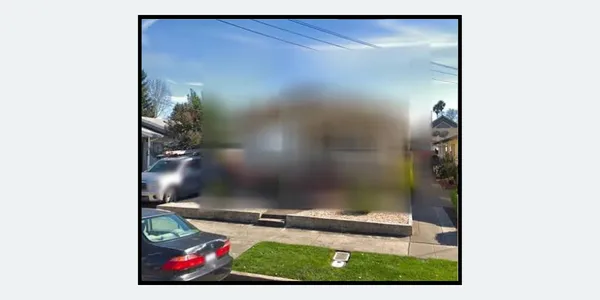
If you use Google Maps, you've probably noticed that some homes are clearly visible in Street View while others are completely blurred out. After seeing more of these recently, I wanted to understand why certain properties are blurred and who determines it.
Well, it just so happens that homeowners can request that Google blur their property in Street View. Once Google reviews and approves the request, the blur is generally considered permanent. Even if the property is sold in the future, the blurred image remains associated with that location.
It's important to understand what this does and doesn't affect.
Blurring only applies to Google Street View. It does not remove the property from Google Maps, it does not affect satellite imagery, and it does not control how the property appears on other websites or platforms.
I personally would never blur my home, and if I wouldn't, I suggest you don't either. Here's why.
Blurring a home on Google Street View can significantly reduce its visibility and appeal when it comes time to sell.
Today's buyers rarely evaluate a property in isolation, they research the home, the street, and the surrounding neighborhood long before scheduling a showing. When a property is blurred, buyers lose an important first impression and may wonder what is being hidden, even when the homeowner's reasons are completely unrelated. While a blurred image won't prevent a home from selling, it can create unnecessary hesitation, reduce online engagement, and make a listing less inviting compared to neighboring homes that are fully visible.
Another concern is emergency response. While first responders do not rely solely on Google Street View, having publicly available visual references can sometimes help people locate and identify a property more quickly. Once a home is blurred, that visual reference is gone and, because the blur is generally permanent, it cannot easily be restored later.
That doesn't mean homeowners shouldn't think about privacy. It's understandable to feel uneasy knowing the front of your home is visible online. However, for most people, the concern is often greater than the actual risk. The average person has little interest in looking up someone else's house on Google Street View, and anyone specifically targeting a property can usually find information through other publicly available sources. Blurring your home may provide some peace of mind, but it offers limited practical privacy.
When a home is sold, I believe listing agents should remove interior listing photos after the transaction closes.
Floor plans, room layouts, and other details inside the home will remain online for years after a sale. To me, that's a far greater privacy concern than a Street View image taken from a public road.
Before submitting a request to blur your home, make sure you understand that the decision may be permanent. Privacy matters, but so does thinking through the long-term consequences before removing information that can't easily be put back.


